Saturday, August 4, 2012

File SIze ~ App Value ~ Your Call!

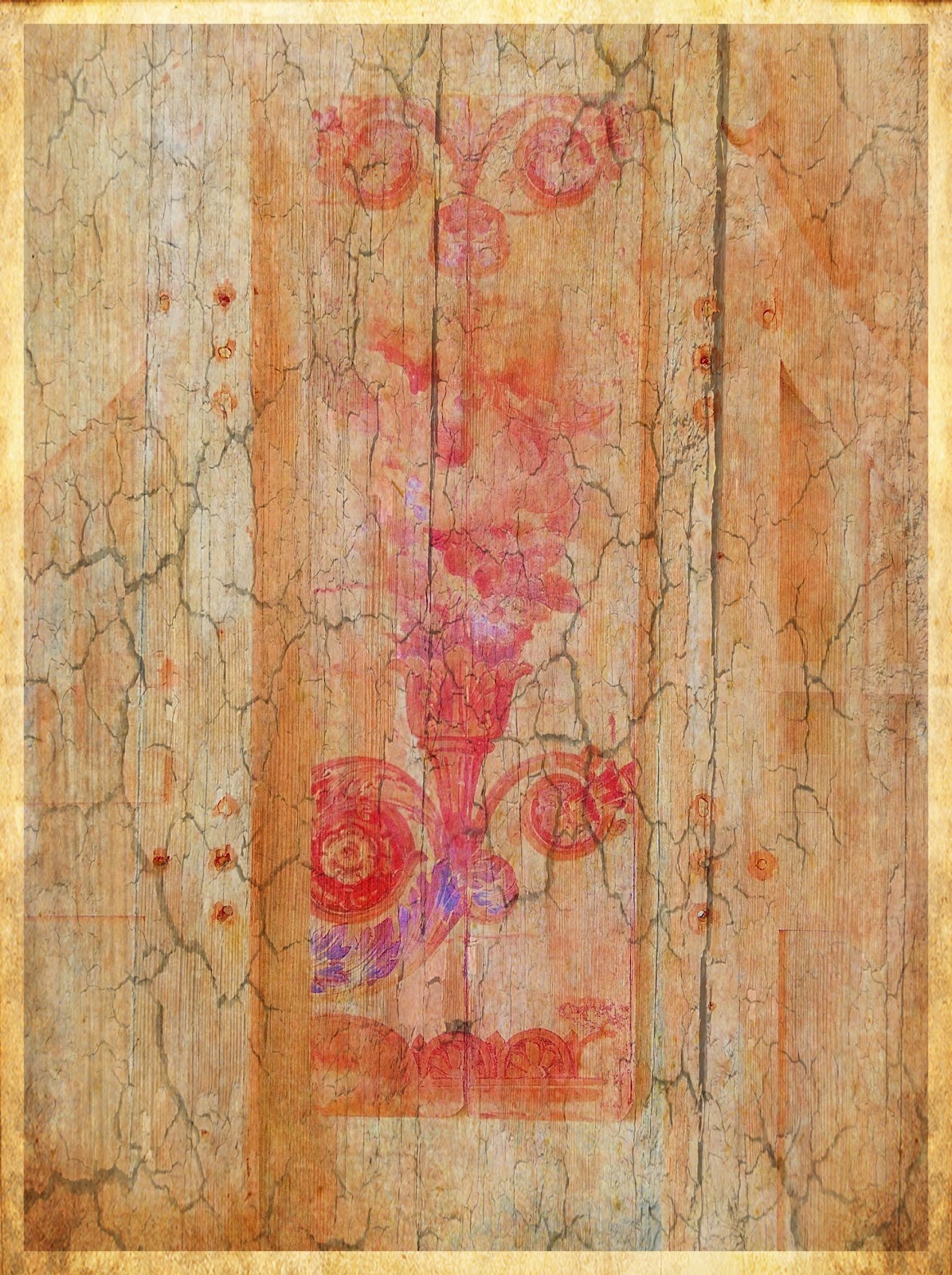
Resolution 2592 x 2592 6.7mp
I recommended the new App I like called "Glaze" in one of my e-mail newsletters to my mailing list and received back a comment from one client that they were going to buy the app until they read the online reviews, where someone had left a derogatory comment on the web developers site regarding the resolution. They then said it was too small a resolution to buy and small resolution apps should be banned, therefore they were not buying it. OK well that's fine I don't get any money from recommending an app, but in my workflow I often use an app not for the absolute file that app produces but for the effects it might generate for blending. The largest file size that "Glaze" delivers for a rectangular image was detailed in my original post.
The square file size "Glaze" delivers is 2048 x 2048 or 4.1mp.
The image above began as a 6x6 App shot with a file  size of 1936 x1936, so Glaze actually upsized the original file by choosing the save as menu and "Print" as a size choice. (I still shoot with a iP4 5mp cam, anxiously awaiting the iP5 release)
Here is the orignal file image:
Image 1
Image 2
Here is the version of the "Glaze" rendered file I chose to use as the beginning of my "new" image. 
The next step in the process was a run through Modern Grunge which maintained the 2048 x 2048 resolution.
Image 3
Now that I had this file saved I wanted to go back into Modern Grunge and make further adjustments to the image, which are below, maintaining the 2048 x 2048 file size.
Image 4
The next thing I wanted to do before going any further was to remove the black lower right hand corner, so I used the Touch Retouch lasso tool, to add back color into the corner, again maintaining the current file size of 2048 x 2048.
Image 5
My next idea was to minimize the ripped white edge achieved in Modern Grunge so I opened Juxtaposer and masked out and blended down the file with Image 3, maintaining the 2048 x 2048 resolution. 
Image 6
Then I wanted to run it through Snapseed and recolor the image with the Grunge Filter. The image then developed into the one below maintaining the 2048 x 2048 resolution.
Image 7
 Now I was getting where I wanted with the tones of old Asian Paper or Tapestry, but it needed some Chinese letters. So I opened the App "Custom Kanji Wallpapers" and decided to apply the Chinese letters for "Life" "Love" and "Wisdom". Which the downsized my file to 640 x 960, as this app is truly a "SMALL RES" app. But it has Chinese letters! And I only wanted the letters so I rendered files with the letters on them, knowing I was going to blend them back with another APP of larger file size.
Image 8

So now that I had my Chinese letter files to work with I opened up ImageBlender and used image 7 with a resolution of 2048 x 2048 as my base image ( the left hand image selection ) and image 8 as my top image then masked out the top image except for the Chinese Letters, Voila now I had my 2048 x 2048 image file back with the Chinese letters on it.
Image 9

But I wanted more texture and more interest, so I ran this file through "Glaze" and used the file below for texture.
Image 10
Once again I used ImageBlender to blend and mask image 9 with image 10 selectively.
Image 11
But I wanted more......texture color so I went into Pic Grunger...and added texture Pic Grunger has resolution options up to 8mp or 3264 x 2448. So I saved the file at a largest resolution possible delivering a square image file of 3264 x 3264 or 10.6 mp which would make a nice print sized 10" x 10".
I lost file size again when adding the frame on it in Crop'n'Frame for purposes of displaying on the web, but ended with a file sized 2592 x 2592. So don't throw out an app because it has a small file size unless that's all you want is a straight file delivered from the app in which case I would say 3mp is a pretty small file, but its still bigger than the first iPhone camera which started this whole photography ~ art movement! Can you believe this started with a straight shot of a beautiful lotus? ;-) Sign up for one of my iPhone workshops and gain more insight into the art of iPhoneography! I am very excited to be offering a six week course at Johns Hopkins University in the fall. The app I use to check file size through my workflow is called "Photosize" it makes it easy to keep track of whats happening during the process.
Image 12


Tuesday, July 31, 2012

Ireland, Pottery the iPhone and a new App ~ Glaze

Image 1: Original Image Capture: Camera+
Image 2: Processed in SnapSeed for textures and grunge effect, then Processed in Modern Grunge for the 'ripped" area and more texture.

One of the stops we made on the Peter Cox Photography Tour of  "wild" Ireland, was at the Louis Mulcahy Pottery Craftsman shop. Louis Mulcahy designs and makes his own pottery in this workshop on the R559 road to the west of Ballyferriter. This isolated pottery studio stands between the R559 and a minor road just inside the southern edge of this square.
I had been thinking about making a blog post on a few shots I made there with the iPhone when I became aware, as a result of a post by Donnie Fulks, of a new to me app called "Glaze."  It is not a high res app but can be great for blending back with other files in Image Blender where if you choose the highest res file first for the blend the resulting file will be that size. So essentially the file gets upsized by making the blend in Image Blender. I made a shot of one of the large urns in front of the shop and I thought it would be perfect to work with. The shots below were processed in Glaze from the Image 2 file above, that I had already processed in SnapSeed and Modern Grunge. Glaze can be found in the app store.
Image 3: Filtered with app "Glaze"
Image 4: Filtered with app "Glaze"  
Image 5: Filtered with app "Glaze"
This app has 30 filter presets, which all look very nice, and a randomize feature where you roll the dice and see what happens. Resolution options are Low 382 x 512, Regular 764 x 1024 and Print 1528 x 2048.  The app also has a feature where you can combine filters within the app. This app is quickly becoming one of my favorites for its artistic looks and blend options.
Image 6: Filtered with app "Glaze"
I am also excited to announce my iPhone Photography Course at Johns Hopkins University in Baltimore this fall. 
For more information and registration: click here.


Sunday, July 22, 2012

Ireland~ Textures~ WIndows and Doors~ Snapseed~ ImageBlender~PicGrunger


While continuing to work my way through some iPhone images I made in Ireland........I noticed a common thread of window and doorway images. The little town of Dingle, our first stop, had interesting colorful windows and doorways to capture. In almost every window in Ireland there is some type of lace curtain. I was curious about the origins of this style of window decor and could not find in a quick search, anything on the internet relating to the historical use of lace at windows in Ireland. I did find a little history on Irish lace making on this site. History of Irish Lace. Maybe it has become just a decorating tradition but I also think it serves a purpose other than its beauty. Many windows in the houses I saw had no "screens" maybe the lace acts as screen, although I doubt it would keep the "Midges" out...
I snapped a shot of some lace that adorned a table in Dingle's Benner Hotel where we stayed. Walking the town for about an hour in the afternoon I captured a few shots of doors and windows that interested me for their colors or design. I used the single image of the lace from the hotel as a texture and overlaid it on the straight shots in ImageBlender. Then I used a grunge filter in PicGrunger or SnapSeed to finish off the look I had in my  mind.


 I also loved this window shot straight out of the app ClassicPan, no lace needed!

Thursday, July 12, 2012

iPhone Impressions in Ireland~ AutoPainter3~Snapseed~ ImageBlender

Captured with Camera+; Processed with AutoPainter3: Snapseed and ImageBlender
My first impressions of Ireland were on the bus ride from Shannon to Dingle with the photography tour group lead and organized by Peter Cox, John Barclay and Dan Sniffin. I was shooting out the bus window and captured these shots. I processed them as I went along with ImageBlender and AutoPainter3.
The day started out just beautifully with blue skies and high clouds, but quickly became overcast. This I began to know about the Irish weather...If its sunny its going to rain! I can say that one extra benefit of shooting with the iPhone was that it was a good record keeping tool of my locations traveled...I tried to make at least one iPhone shot in each location just for my records...more to come...


Tuesday, July 10, 2012

Mondrian Inspired~Apps~ Flowpaper~ Rollage~

Apps~ Many Apps!!!
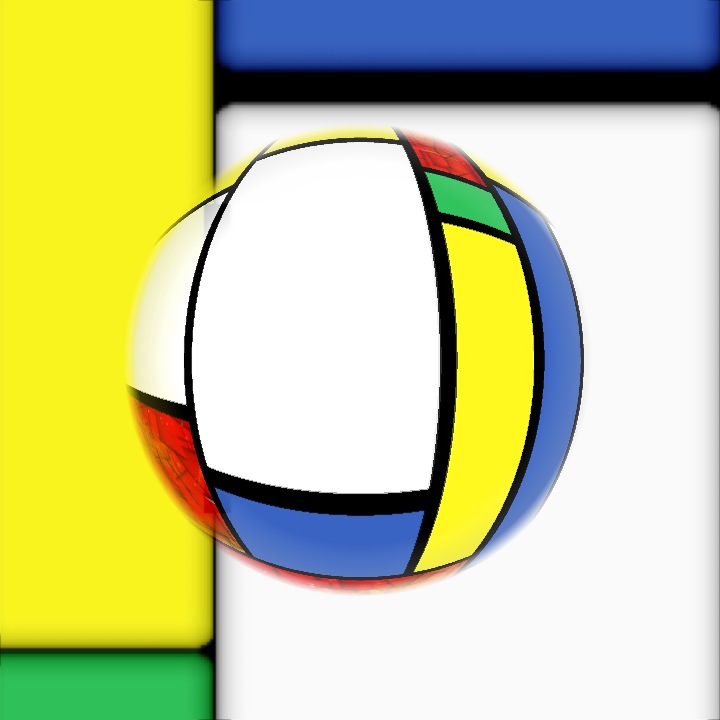
What a great three weeks I had in Ireland...I will be posting more iPhone shots from Ireland here in the next few weeks as I get to processing them. Its been several weeks since I posted in my iPhone Blog but wanted to share a little work I was doing in the Appstracts Iphone Group on Facebook before I left for Ireland. Its a fun group of  extremely talented iPhone Artists.  There is a weekly challenge around a theme and the images submitted to the page have to coincide with the Challenge Theme. The images here were all in response to the app challenge "Mondrian." I made solid squares of color in the app Flowpaper to work with first then I also found an app called "Mondrianator" so I downloaded that and used it in my workflow. Also MarbleCam and Rollage became popular and I downloaded that to work with. I also used Diptic to make arrangements of color blocks. Then I used ImageBlender and some distort filters in PhotoWizard. It was fun stretching my app skills to come up with some unique (non-photographic) images. One of the artists referred to the opening image here as "Mondrian" meets "Lichtenstein." Fun, I thought so too...so stretch it out and see what you can create just to create!
Apps: Rollage
Apps: Diptic: MarbleCam

Saturday, June 16, 2012

Ireland or Bust!...

Sunset: Capture: BracketMode Processed: ProHDR: Autopainter; Snapseed: ImageBlender: Crop'n'Frame
Well it was a good trip, but long...leaving home Friday, June 15 at 12:45 ECT and arriving Ireland Saturday, June 16 at about 11:00am. London, Heathrow was the worst....many checkpoints and great distances between terminals..people were all nice but don't pack your iPad in your briefcase like in the US where we can just pass it through the screening. In the UK you have to also remove your iPad from your briefcase along with your laptop and tub it! But you can leave your shoes on! Who knew, so I got hung up there for a little while waiting for them to empty my briefcase and re-screen, then a mile or so to the final terminal...and one more check point!
The coolest part about the trip so far was the flight from New York's JFK at 7:00 pm...watching the sun set in the west over the wing as we flew north and then a few hours later watching it rise over the wing as we dropped down into London..My window was the dirtiest airplane window I have seen but I didn't care I was just using my iPhone and I figured I could paint it up with AutoPainter3 and I could at least capture the essence of the scene. Looking down on the earth as the light changes in the sky is truly awesome. Pilots have the best views!!!
When I arrived at the Oakwood Arms in Shannon, I was bushed...but wanted to explore a little on foot. So I walked to the local mall had a bite at the Nosh + Coffee and took a leisurely stroll back through a little village. I had noticed a business across from the hotel called tastypizza, doing business in what looked like an old thatched roof cottage with red doors. Since it was fairly commercial on the front side I passed it up as a photo opp, but when walking back through the little village the back side of the tastypizza had an all together different look and there were two Indian children playing on the door steps. So I took a few pictures the children were wonderful and wanted to pose for more. Then I showed them their pictures.As I walked around the front of the building I went in and guess what their dad ( I recognized the family resemblance) was the owner of the shop so I got his e-mail and came back processed a few shots and sent him the pics! Then I came back to the hotel freshened up from the travel and took a nap!!!
Capture: CameraPlus Processed: Snapseed

Heading to dinner around 8:30 I ran into John Barclay, Dan Sniffen and Peter Cox so the gang is here. The tour with them and the group that has signed up should be great.... looking forward to being taken around the south west of Ireland's Ring of Kerry. Looks like Peter has a great itinerary lined up for us. Big camera pics tomorrow...
Murphy's Cottage, Shannon, Co. Clare  (tastypizza)
Capture: BracketMode Processed: ProHDR: AutoPainter3


Monday, June 11, 2012

A few more recent shots....Chesapeake City

This shot was made while walking the streets of Chesapeake City, Md. during my recent iPhone photography workshop. I was working with the app Classic Pan making a shot of some chairs that were stretched out across the sidewalk, when I noticed this waitress looking out the tall window, I quickly recomposed and made this shot, I made one more shot after this one, but she moved and no longer had that daydreaming look.. "the decisive moment." The image was processed in Snapseed.
A shop keeper had a display of a wooden screen so I made a quick grab and processed it with Photo Wizard, Textures and PicGrunger.


This image is of a sailboat model that I shot through a shopkeepers window. I used AutoPainter VanGough, for the sky and then Blended it back with the original in Image Blender, masked out the VanGough effect on the sail and finished the image off in PicGrunger.

My next all day workshop in Chesapeake City, Md with Horizon Photography Workshops will be December 8. Here's a link for registration: Click Here.
Hope to see you there!