Showing posts with label Abstracts. Show all posts

Wednesday, February 27, 2013

Blurring the Lines~ Abstract or Figurative? Decim8,TangledFX, ImageBlender...


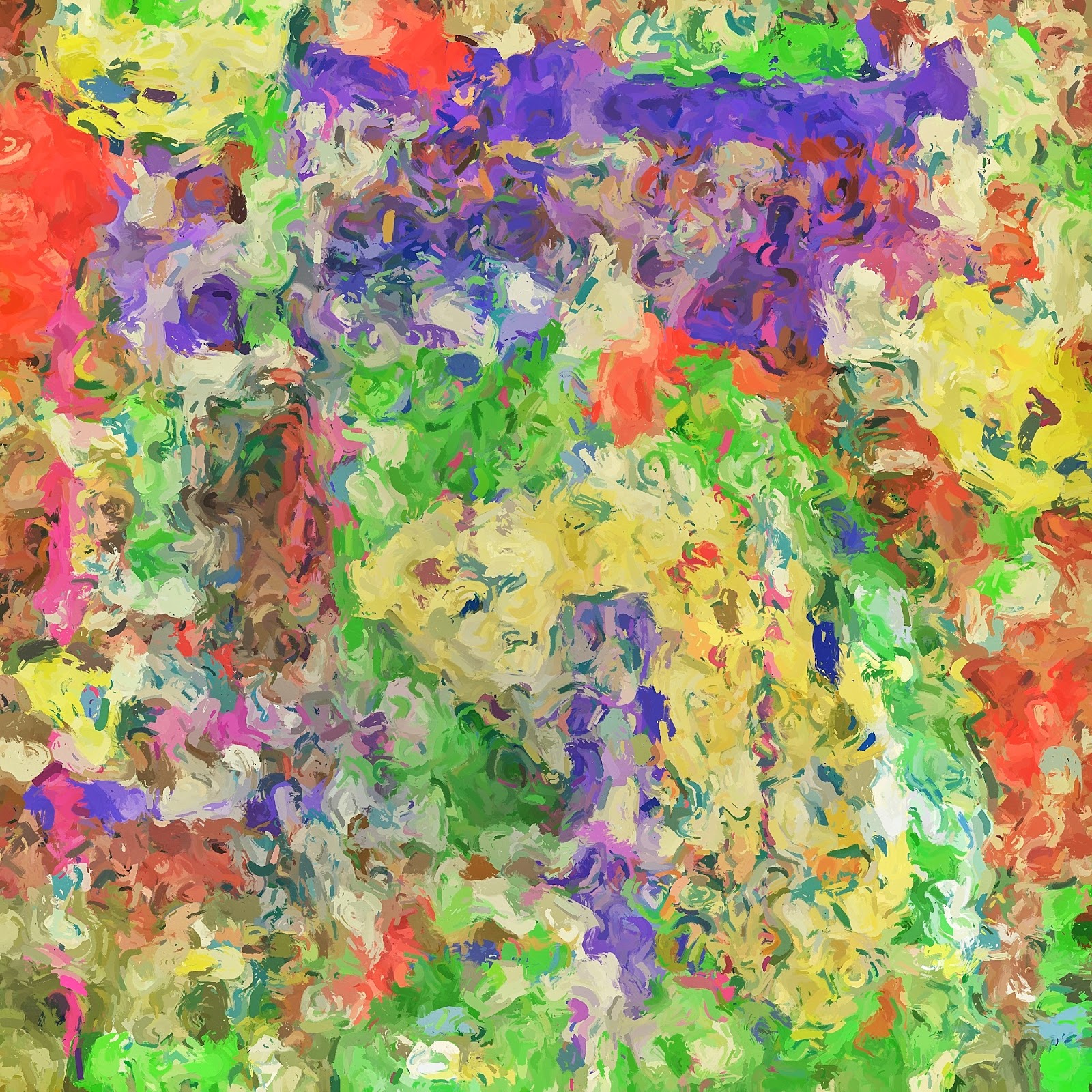
Today the opening image was described by a revered iPhone photographer and art educator, as more of a "Figurative" image when I posted it in an abstract on line iPhone group.
(He was not criticizing, just saying.)
I am an not an art educator by degree, although I have done a lot of studying, so I deferred. However, I am an MBA, who loves art and loves to analyze.......
So, is this a "Figurative" image instead of an "Abstract" image? Hmmm, that made me think, which is a good thing! It also made me wonder about the new process of image creation with the iPhone and all the cool and crazy apps we have to distort reality! This image was NOT created from a sunflower, now there is my question...If we create an image from a source image and the final image, does not  have any recognizable features from the original source image: is it still "Figurative" because it looks like a recognizable subject in our mind?
Here I took an image which had nothing to do with the "perceived" reality of the final image and "reversed engineered" so to speak an image which to me was abstract, but had a familiar shape color and dimension to a recognizable subject a sunflower...and there in lies the question...because it resulted in a familiar subject in real life is it a "figurative" or an "abstract" image? You decide!
Here is how this image evolved.
I made a panoramic sequence of an abstract painting in the National Gallery of Art a couple weeks ago when I was conducting an iPhone workshop. Last night I selected one image out of the image sequence to run through Decim8 and "fracture." Fracture is what I feel like Decim8 does to an image.
One of the iterations resulted in an image which I used as a base to the final image.
Original source file
Image result from Decim8
Image run through TangledFX
Image flipped in Snapseed to put weight at the bottom of the image, and shift the diagonal lines. Then changed color in Color Thief from another image.
(I have never liked purples and pinks, but love the color vibration of blues and yellows.)
So there is the process I used to get to this image...so "Abstract" or "Figurative" does the manner in which the image is created change the label "Abstract" or "Figurative"?
Is it "Figurative" simply because our mind might identify a similar shape or color combination in the real world? You decide...thoughts and comments are welcome!

I still have a few spots open in my all day iPhone workshop on March 8 in Gaithersburg, Md.
Click here to register and for more info

Monday, February 11, 2013

Creating Abstracts: Apps: Tiny Planet~Tangled FX~Glaze~ImageBlender

Wave
Yesterday I led an iPhone workshop in Washington DC at the National Gallery of Art. It was great working with new iPhone photographers. Along the way I captured a few quick shots. The moving escalators underground are cool with walls of lights so as we were moving I grabbed a couple shots.
The image above was the final result of that shot. I really am having some fun with this style or creating abstracts from pixels getting a painted look with Glaze as part of the recipe.
The sequence of images below will show you how I arrived at the image above I call "Wave"...that's what I think I really enjoy about the apps for the iPhone...I really didn't have an objective for the "final" image....I just started playing with the shot of lights in the tunnel. Once you know your apps you can use the what if game...like I did here...
Original Capture Hipstamatic Tinto with C-Type Plate
Above Image run through Tiny Planet
Tiny Planet Image with an iteration from Glaze
  
Above image run through Photo Wizard to distort and colorize
Above image run through Tangled Fx
One more iteration in Glaze

Final Image blended the last Glaze iteration with Tangled Fx version and ran one more iteration in Glaze with the blended image. Then a little saturation and contrast applied in Snapseed.
If I could only really paint like this!!


Saturday, February 9, 2013

Deco Sketch: Photo Artista Haiku, Glaze and Snapseed

Last night I was goofing around with some apps and a few images, and cooked up a new look.
For those of you who like to draw, or paint and maybe not so much photograph this is a fun process....
Deco Sketch -Photo Effects is now a full resolution app that you can process your images with as a staring point or you can draw your own using an array of cool linear effects with lots of adjustment possibilities. So I began to play with it and a few other apps and cooked up an app combo I liked to create these abstractions. Deco Sketch has been out for a year but just went full res this February.
I used this 6x6 captured image as a base image for both iterations here.
The image above is the image I used as a base image. I opened it in Deco Sketch and began to goof off with different shapes and colors and linear effects, reduced the background image opacity and landed on the image below....less I get carried away! ;)
Drawings made over original image in Deco Sketch, with photo opacity reduced as the background.
I then took the Deco Sketch result image and opened it with Photo Artista Haiku. I landed on the image below. I also saved the Photo Artista Haiku settings as a Preset in the app so I could easily repeat the look.
Artists Haiku Version
Then I took the Photo Artista Haiku image and ran it into Glaze this is where it gets a little random. Tabbing through the Glaze presets I saved a few I liked, then began using the cool tool feature in Glaze to get a unique look. The colors in these images remind me of a spring garden impression.
Final image rendered in Glaze and adjusted in Snapseed for saturation, contrast and sharpening.
The opening image went through the same process only began with the drawing below in Deco Sketch. Too much iPhone fun!!! These could make some really beautiful prints on exhibition paper.
Heading to the National Gallery of Art tomorrow with a full class of iPhone students. Should be fun! My next iPhone class with Capital Photography Center is March 3 in Baltimore and is filling fast. Or join me for a full day of iPhone fun on March 8 in Gaithersburg for an all day class working with apps.
In this drawing I let more of the background image come through as you can see in the red and white strawberries in the top portion of this image.
Final image rendered in Glaze.


Tuesday, July 10, 2012

Mondrian Inspired~Apps~ Flowpaper~ Rollage~

Apps~ Many Apps!!!
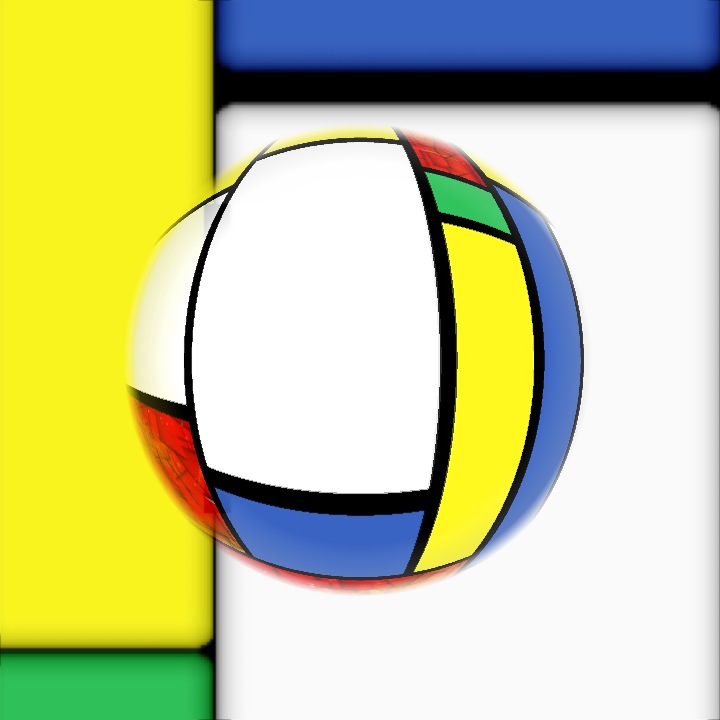
What a great three weeks I had in Ireland...I will be posting more iPhone shots from Ireland here in the next few weeks as I get to processing them. Its been several weeks since I posted in my iPhone Blog but wanted to share a little work I was doing in the Appstracts Iphone Group on Facebook before I left for Ireland. Its a fun group of  extremely talented iPhone Artists.  There is a weekly challenge around a theme and the images submitted to the page have to coincide with the Challenge Theme. The images here were all in response to the app challenge "Mondrian." I made solid squares of color in the app Flowpaper to work with first then I also found an app called "Mondrianator" so I downloaded that and used it in my workflow. Also MarbleCam and Rollage became popular and I downloaded that to work with. I also used Diptic to make arrangements of color blocks. Then I used ImageBlender and some distort filters in PhotoWizard. It was fun stretching my app skills to come up with some unique (non-photographic) images. One of the artists referred to the opening image here as "Mondrian" meets "Lichtenstein." Fun, I thought so too...so stretch it out and see what you can create just to create!
Apps: Rollage
Apps: Diptic: MarbleCam