Showing posts with label Vintage Scene. Show all posts

Wednesday, August 26, 2015

Shooting with the INMACUS Wide Angle lens ~ Camera+


Capture: Camera+ iP6 fitted with INMACUS 18mm HD lens
Processed: Vintage Scene

Recently I received a couple products in the mail from the folks at INMACUS.com to work with on my iPhone 6.  Yesterday I had a chance to open the package on the 18mm HD Wide Angle kit and have some iPhone photography fun while also getting in my daily objective of 10,000 steps. So I went out to a local park with great trails and barns nearby in the Cromwell Valley.

The images below are straight out of the iPhone..no processing for purposes of evaluation.
My thoughts on the lens: I loved it! For $59.90 US I think its a great addition to any iPhone photographers accessories!
It comes in a package with a small lens cap, a circular polarizing filter which works with the standard iPhone lens fitted with the "Rapid Grip Adapter", and an HD Closeup which I did not try out yesterday...as I continue to work with each filter I will add a post for my results.
This lens was as sharp to my eyes as the iPhone without any lens adapters edge to edge! I was amazed at that! I did detect a very small amount of vignetting, which is no surprise with an attachment and a wider angle. It was so small that it did not bother me because it can easily be fixed in post with either Touch Retouch or the new Spot repair in Snapseed......and it could have been because I had not seated the attachment exactly. It does clip over the iPhone easily and seats well over the original iPhone lens.
So here are a few images to compare with and without the HD 18mm attachment. For all the images I stood in the same spot and made two shots one with the native lens and one with the wide angle attachment as noted. I enjoyed some of the close up distortion with the wide angle as well as the ability to get more in the frame. Sometimes you just can't back up far enough using the native lens and this solves that problem as in the image of the tree.
Straight shot native iP6 lens Camera+ for capture
Straight shot iP6 lens with INMACUS 18mm HD wide angle attachment Camera+ for capture
Straight shot native iP6 lens Camera+ for capture

Straight shot iP6 lens with INMACUS 18mm HD wide angle attachment Camera+ for capture 
Straight shot native iP6 lens Camera+ for capture

Straight shot iP6 lens with INMACUS 18mm HD wide angle attachment Camera+ for capture 
Straight shot native iP6 lens Camera+ for capture

Straight shot iP6 lens with INMACUS 18mm HD wide angle attachment Camera+ for capture
Straight shot native iP6 lens Camera+ for capture


Thursday, October 23, 2014

The Lone Tree ~ Hipstamatic ~ Snapseed ~ Vintage Scene ~ Glaze ~ Leonardo


I was reminded ever so gently by a fellow iPhoneographer Whit, who has followed my blog for a while that I had stopped posting...Well thanks for the reminder, it has been such a busy travel year, I have not really had time to sit down with any consistency and contemplate the writing of another blog post for a while, but now that fall is here and winter not far away, I am planted once more in one spot and today am moved to write. 
So here it goes: Lone tree images have been pervasive in art and photography forever and I too love a lone tree image and make them when I am moved by the scene. 
Today I really had a question about why we like to make and view lone tree images? What psychological significance does a lone tree image have? What meaning is there behind the creation of a lone tree image?
So I did some searching and found this very unique article written by  Kim D. Coder Professor, Silvics/Ecology, Warnell School of Forest Resources
The University of Georgia in 1996. 
It blew me away the depth to which the subject matter of trees in general has deep roots in our human psychology...so if you have a mind to read check out the article here: Trees and Humankind: Cultural and Psychological Binding While it does not address the lone tree specifically, it did open my eyes to trees and humankind in general, I took away many inferences for myself. 
Now back to creating the image above: It was a rainy day....I had received mention of a lone tree in a text correspondence, so I figured I was supposed to make or find a lone tree image this day. I had lunch with Whit in Vermont and before lunch I looked at my map and charted my path after lunch. I saw a point on the map where I was heading toward Lake Champlain name Lone Tree Peak...yet another Lone Tree sign so I told Whit I was heading there after lunch. As it turned out he was too so we headed that way. After a few stops we parted he went on to see his mom and I rambled to the shores of Lake Champlain, where this little tree stood deeply rooted in the rocky shore and I said "Got it!" I didn't make many images that day because of the heavy rain, but the iPhone allowed me to capture this one.
So this image is a result of those events.
Now to the image processing:
I started with Hipstamatic: Jane Lens and Inas 1969 Film: That combo is my go to when I want as "straight" a shot out of Hipsta I can get. 
Image 1
Then I ran the original file through Snapseed and applied the HDR Scape filter to some degree (I always back it down from the preset strength to my liking)  and applied a little Ambience from the Tune Image filter, as well as a little sharpening and structure and arrived with this image:
Image 2
My next thought was to strip the color from the image file, it was a grey rainy day and I wanted to get that feeling across so I ran image 2 through Vintage Scene by JixiPix and applied a save Preset filter I had developed some time ago. 
Image 3
I liked this moody image and now I wanted to run it through Glaze for the painterly and textured effect I know I can get out of Glaze. After running several custom presets and iterations in Workshop mode I arrived at the  image below.
Image 4
Now I thought it needed a little more pop and I ran Image 4 through Leonardo applying the Clarity filter to some degree. Image 5 is the final result. On occasion I use ImageBlender and blend the Glazed image with the original file but in this case I did not.
Image 5
So if you got this far.....I invite you to join me at Nature Visions in Virginia November 15 and 16. I will be presenting a program on advanced iPhone Photography and will share my processes with you!
Hope to see you there!

This image was also processed the same way and was also taken the same day with Whit where we stopped at a long lane of trees.


Tuesday, August 14, 2012

Markree Castle, Ireland ~ App ~ Vintage Scene

Capture: Camera+  Processed: Vintage Scene
During my Ireland tour with Peter Cox, John Barclay and Dan Sniffin, I was making iPhone images as well as "Big Girl" camera images. It was really quite fun helping other professional photographers on tour with their iPhones. They were downloading new apps and as we drove from town to town I was demonstrating how to use the apps. After the tour was over I spent ten more days road tripping through Ireland. One of the high lights of my trip was my stay in the Markree Castle. I had intended to do some photography here with the Nikon camera but the rain never stopped for the days I was here. The morning I was leaving I did walk around the grounds in my rain slicker and made a few images with my iPhone. The age of the castle and the rain led me to choose an app that creates a look of old photos, with many options for adjustments, from color to texture and borders. Its not a new app but it is one of my favorite apps.
Capture: 6x7 Processed: Vintage Scene

I loved the architectural details of the windows with climbing roses.
Capture: ClassicPan Processed: Vintage Scene
Capture: BracketMode Processed: ProHDR: Vintage Scene

This is a shot of the bathroom window in my room that overlooked the gardens...it was a great place!
I am offering the same Ireland tour June 2 - June 11, 2013 with Peter Cox of Ireland. To date there are six photographers registered with space for 8 more, so if you are interested in the South-west Ireland tour with myself and Peter Cox: click here for more info and registration.
This fall in Baltimore, in conjunction with Johns Hopkins University Odyssey program I am happy to be offering a six week iPhone class. For more information and registration click here.

Thursday, April 7, 2011

Delaware Road trip and the Iphone

BracketMode:iCameraHDR:ArtistaOil:VintaheScene:Crop'n'Frame

Left Baltimore around 1:30 and  took my time getting to the beach, stopping in a few spots to make a couple iPhone images. On the way down I was noticing what a difference a week makes. The Bradford Pear trees along the highway near Annapolis were aglow as the late afternoon sun filtered through them.
Cherry trees were blooming and the magnolias were in full bloom. As I drove into Bridgeville, I noticed a magnificent Magnolia in bloom, so I stopped, made a u turn and rode around the block then down a side street and came back to the place where I saw the tree. I also enjoyed the old farmhouse beside the tree, so I made a shot or two there.
BracketMode:iCameraHDR:VintageScene:Juxtaposer:Crop'n"frame
 Prior to stopping in Bridgeville, I stopped at the Antique Store in AndersonTown; Carolina County, Md. and Rt. 404. They had a hand held stereopticon and lots of images to look at. I was intrigued by the old photos and spent some time there. I also made a shot of the store...well several and then stitched them together.
Hipstamatic:Chuncky~Kodot XGrizzled: AutoStitch: Phoroforge


My last images before arriving at the beach and unpacking the car were made near Clayton, De. I loved the way the sun sinking in the western sky shone bright through the thickening clouds, illuminating the irrigating systems sitting in the barren fields. The red frame windows on an abandoned Ice cream store caught my eye and I had to turn around and make a shot or two there as well. I blended these shots together to get the final image below.
BracketMode:Iris:Juxtaposer


Friday, March 11, 2011

BonJour: Grungetastic: LoMob: Vintage Scene

Capture: True HDR App: Processed: Vintage Scene: LoMob: Crop'n'Frame: Impression

Its been a busy couple of weeks....my classes started at Hopkins again, I met with the accountant to get taxes done, hosted a dinner party, been working on some lecture preparation..sold a car..had a spot of early skin cancer taken off my leg...held some private tutoring sessions, made some prints...and have been sick with a nagging cough since I came back from Longwood two weeks ago....whew, but last night I had the pleasure of meeting a neighbor and her daughter for a lovely seafood crepe dinner and dessert at a little cafe called BonJour. Now I am sorry to say I had not been there before, but every Thursday night I pass the little place at Falls Road and Lake Avenue on the way to Camera Club, and I think how cute it is painted purple on the outside, but never stopped to check it out. I arrived a little early and enjoyed a yummy latte while the owners prepped for their crepe evening. I also took the opportunity to make some iPhone images while enjoying the latte. The place feels just like a little French Cafe. The Chef Owner Gerard is French and bakes all the pastries. While I was waiting the little distressed mirror topped cafe tables were catching my eye as well as the small wrought iron cafe chairs, so I made a few iPhone images. I also used the Photo Transfer app to move these images from the iPhone to my laptop wirelessly... pretty cool stuff! Now I have some more images for my iPhone presentation on May 2 in Tyson's Corner, I'll be showing images, talking about the apps I use and how to use the iPhone for creative imaging.

Grungetastic was used here to create the effect.
True HDR Capture App: Vintage Scene App: LoMob App

Saturday, February 19, 2011

True HDR: Longwood Gardens


After a full morning of shooting with the Nikon, I walked around the Longwood Conservatory looking for some photo opportunities with my iPhone. Now I will admit, it was very crowded and people were everywhere, but I found some places to pause and make some HDR iPhone images. I am amazed at this application how one can handhold and still get pretty sharp bracketed shots...I had my Joby with me but there was not an appropriate place to set it on for many of these shots. These images were processed on the iPhone using various apps, but the one that gives this image the "look" is called Vintage Scene.

The advantage of shooting in the late afternoon on a sunny day is the lighting that fills the conservatory from the south west. In the Palm House the sun was filling the room front lighting the palms details and fronds. I am not usually there at this time of day so it was a fun thing to see how it looks in the afternoon.
Processed in PhotoForge for the aged look and then into the app called PicGrunger for border and texture.

This is a contrived image made in an app called Symmetry, but it originated with a straight shot of some drooping ferns against a foggy conservatory window. 
This image is also contrived in Symmetry and started as a TrueHDR shot of a stained glass window in the kids area of the conservatory. The afternoon light was creating the stained glass colors to be projected on the interior surface of the window frame and bricks. The app Crop'n'Frame recently had an update and added text to its application. The text here is an example of what it can do.

Wednesday, February 9, 2011

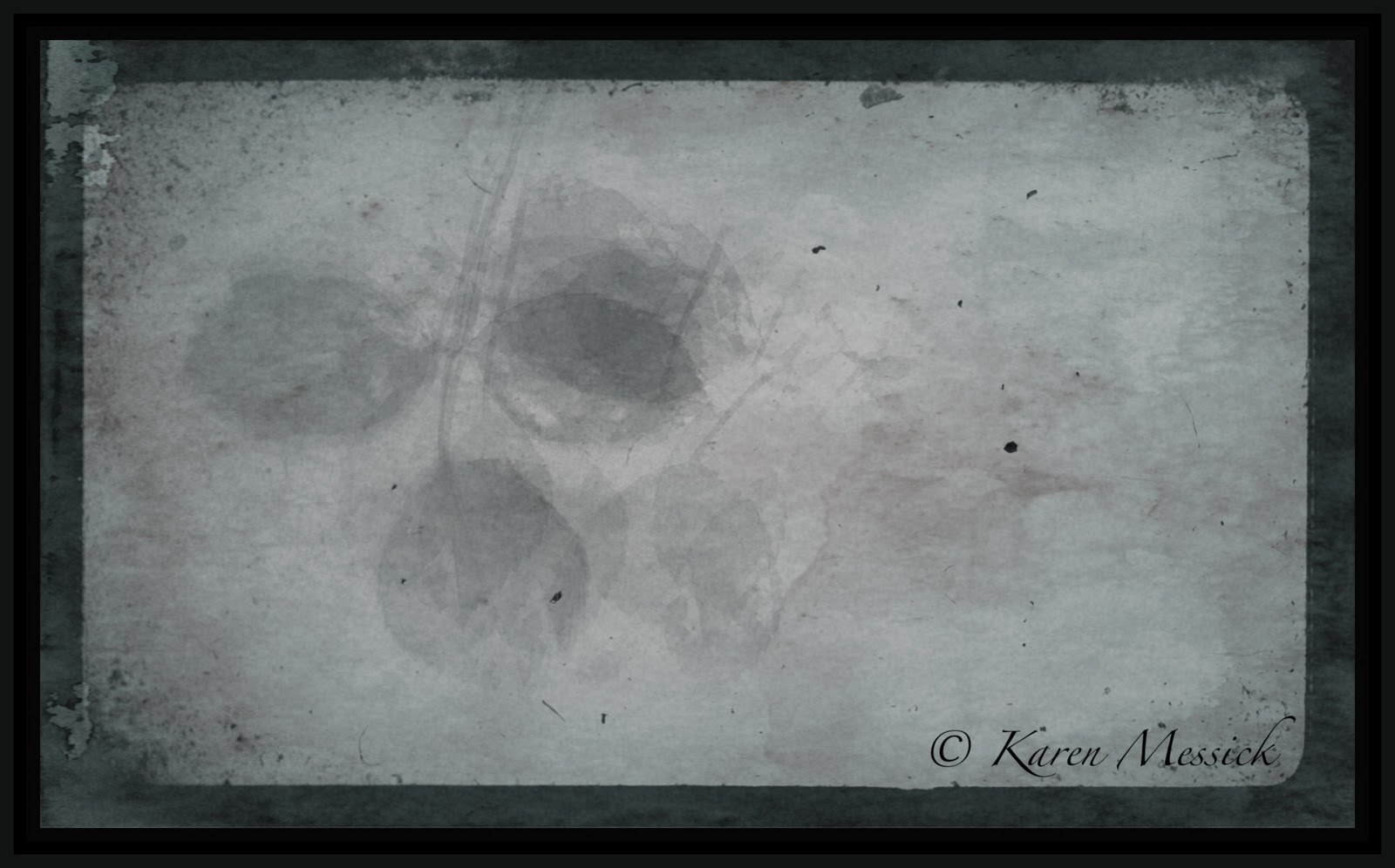
Winter Rose Leaves:Apps: Lo-mob: Vintage Scene: BlurFX


It was a busy day running errands, so I didn't have time for any photos today until I went to my mailbox around 5:00pm. The recent snow melt revealed  some of last years rose leaves the winter winds had blown off the climbing rose and the heavy snow had flattened them on the patio liked pressed flowers in a book. So, I went in the house and grabbed my iPhone and made just a few shots, as the light faded. Maybe tomorrow I will work it with the big girl camera as I like how they looked, and it would be nice to have some real hi res files to process as well. These shots were made with two camera apps: The straight shot was made with Camera Plus Pro from Global Delight developers and the multiple exposure shot was made with the camera app: Average CameraPro.


They were processed in an app called Lo-Mob which is an old film app, and then I used the app Vintage Scene to further enhance the look and apply some textures. I also used Blur FX to soften the background on a few of these images. In addition levels adjustments were made in an app called Iris.