 |
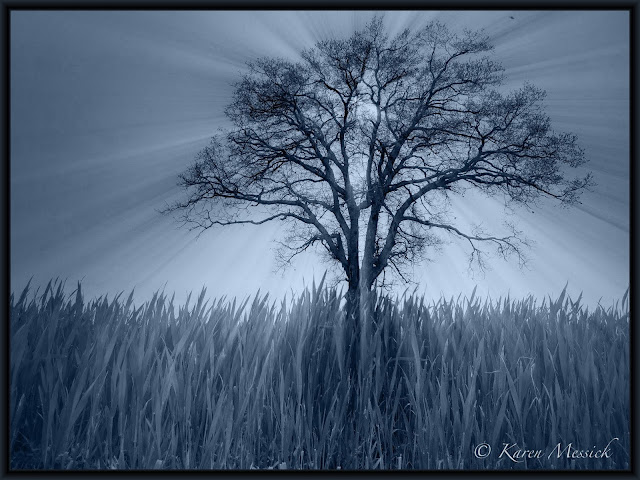
| Noir, BracketMode, TrueHDR, Rays, Iris |
Yesterday I made a trip to the beach. I'll be here for just a few days this time: meeting contractors for maintenance work on the beach house. I had time to stop and make a few images, as I was not racing a clock yesterday. The farmers fields have been planted and the spring wheat is greening. I often see a single tree, as I come and go from the beach. I have noted its place, standing alone in a field, but the time, the weather and conditions have never really been right to stop and make some images, until yesterday! I pulled off the road and onto a farmers road, with no trespassing signs posted. But I figured they wouldn't mind me taking a picture, if they even saw me over the acres of flat wheat fields.
The first image I take is never the "Final" image, instead a warm up...so here is the scene as I shot it with the iPhone app CameraPlusPro. I have done no work to this image. It is right out of the iPhone. Funny when I say that I chuckle, but the thought process is the same for DSLR shooting too! Not much too look at, but rife with opportunity. This image made me switch apps to BracketMode for two images with different exposures, which I had in mind to blend in TrueHDR when I had a chance. I also did not like this camera or iPhone position as it really did nothing for me, so I said what if...what if I see it from the ground with the beautiful green wheat I loved in the foreground. Then it started to happen, I got my mini Joby tripod out because I could not hand hold a bracketed exposure in this muddy knee position! SO I made some brackets, both horizontal and vertical, and headed on down the road.
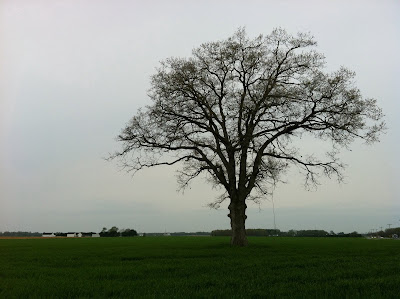 |
| Raw Ha? not, instead...Unprocessed iPhone image in CameraPlus Pro |
When I arrived at the beach and settled in I began to review and process images I made along the way with the iPhone. The tree was my first shot of the trip so I started with that. After running it through TrueHDR it came to life! A wow for me. I added some Rays from the app rays to add some extra pop. Then a new app Noir was mentioned in my iPhone group and I tried that on the processed image and I loved the monotone effect as well. I also like the color version below.
Sign up for my iPhone classes in Washington, DC Tyson's Corner on May 2 with Penn Camera and Learn more!
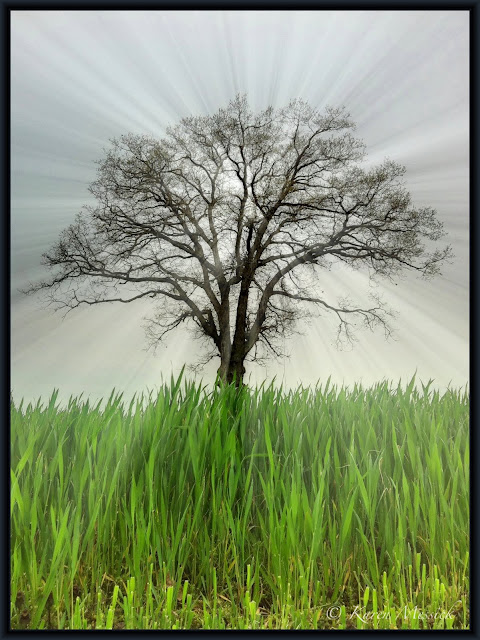 |
| BracketMode, TrueHDR, Iris-Levels, Rays |
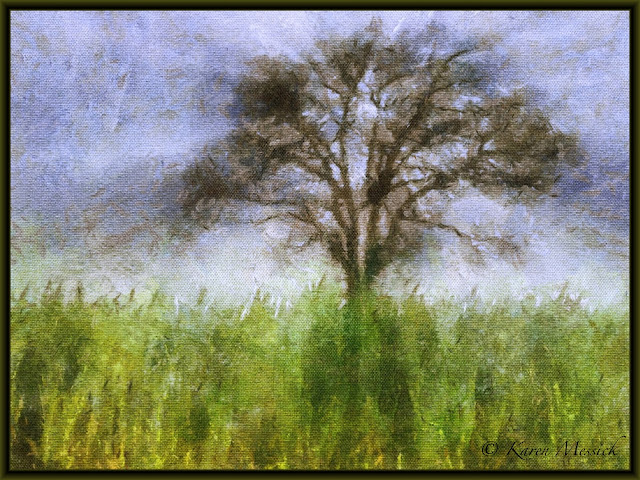 |
| AutoPainter app, added to processed image. |
|


